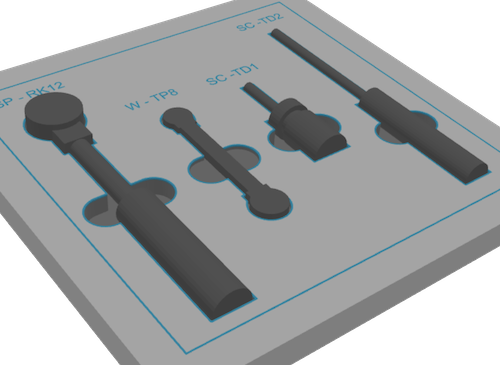
Set the default orientation for imported workpieces. Lay flat Upright Original Recommended format: .STL
Supported formats: .3MF/.STP (Internally converted)
No CAD file available? Try the Photo-to-Outline app.
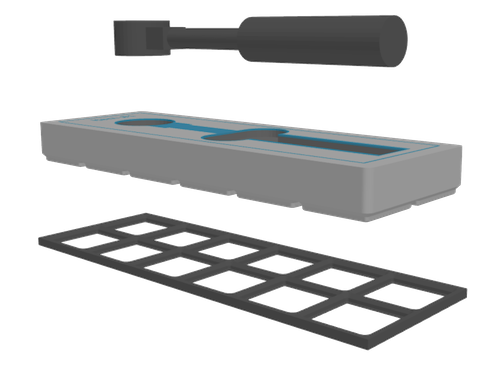
Creates a second STL for text labels and highlights, so you can print them in a different color or material. Choose an interface type that defines how your shadow board mounts, such as Gridfinity. None Gridfinity Choose between automatic and manual positioning of workpiece items. Automatic Manual Choose from different tools to optimize your layout. Row Column As imported Sort by x-size Sort by y-size Define a global minimum gap between the workpieces.

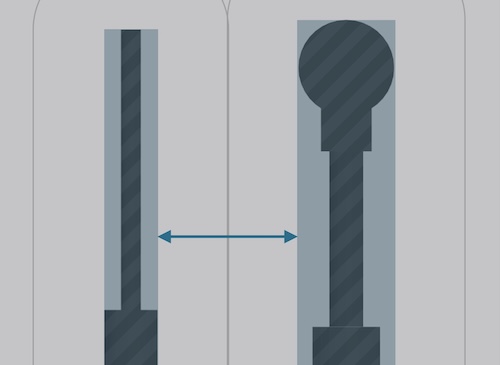
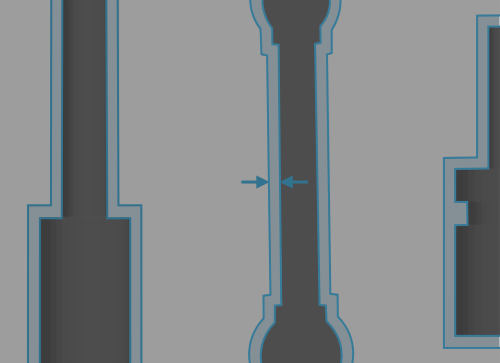
Workpiece gap defines the distance between the bounding boxes of the workpieces. Each one's margin (half-gap) is indicated by a grey line around it.

Add cutouts to make the workpiece easier to grab. None Shortest Longest Horizontal Vertical

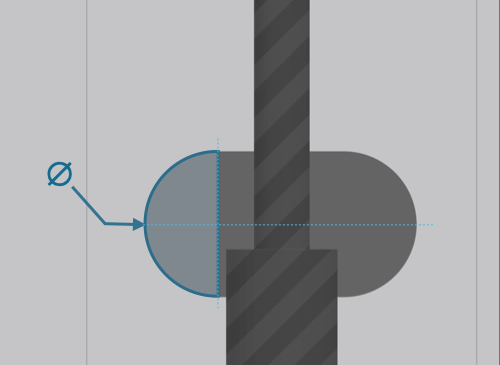
Set the diameter for the cutouts. Note, that bigger cutouts will also affect the width or length of the cutout.

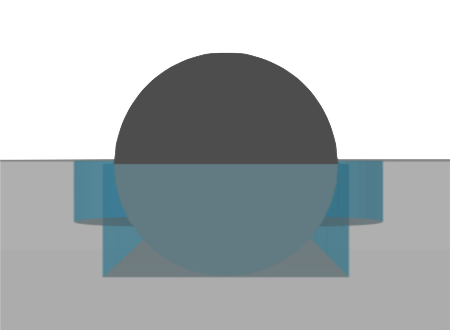
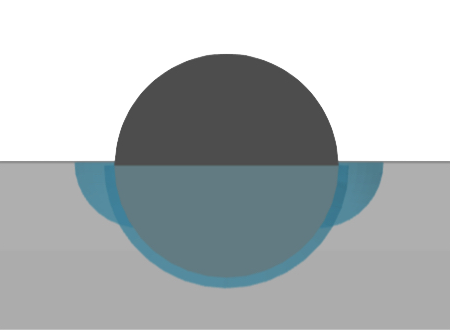
Set the height of the board. Choose from different cutout types. Pockets Relief Define how deep your workpieces sit inside the board. Global value Workpiece center Center of mass To bottom Flush with top Individual values Set a global clearance that will be applied to the cutout.

Keep the offset low to give your workpieces a secure fit or choose a bigger value to insert and remove them easier.